Guides
On-model vs flat-lay: how to test it on your own catalog
Same product, same traffic, same price — only the image changes. Why on-model imagery can matter for conversion, and how to run a clean test on your own store.
- By
- NoShot teamYourSizer Teknolojileri
- Published
- Length
- 6 min read
- Filed under
- Guides
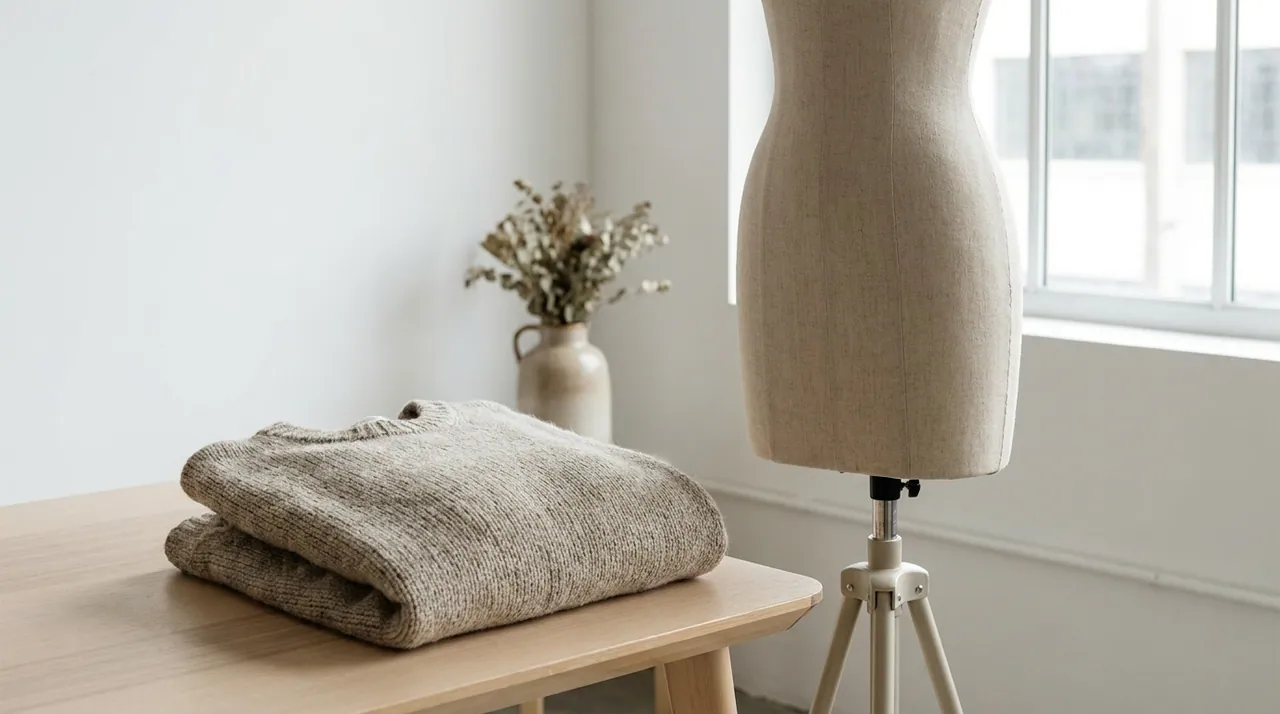
Everyone in ecommerce has an opinion about on-model versus flat-lay. Opinions are cheap; your own data is not. This guide explains why on-model imagery can change how shoppers decide — and how to measure it on your own catalog instead of taking anyone's word for it, including ours.
Why on-model can win
A flat-lay answers what is it. An on-model image answers the questions that actually block a purchase:
- Fit and drape. How does the fabric fall on a body? Where does it sit? A flat shot can't say.
- Scale. Is that bag a clutch or a tote? Is the watch face bold or subtle? A model gives instant reference.
- Trust. On-model reads as "a real product a real person can wear," which can lower the perceived risk of buying online.
Every one of those is a reason a hesitant shopper leaves. On-model imagery answers them on the page, before the doubt turns into a bounce.
Flat-lay sells the product. On-model sells the decision to buy it.
Where to look first
How much on-model matters depends on what you sell:
- Apparel — fit and drape are hardest to imagine from a flat, so this is usually where a body helps most.
- Footwear — scale and styling context: a shoe on a foot, in a look, reads differently than a shoe on white.
- Watches, jewelry and bags — scale and aspiration: on-wrist, on-body and in-hand answer the "how big, how it feels" question a flat can't.
Your result will depend on your products, your traffic and your shoppers. That is exactly why the test below is worth running.
The catch that used to matter — and doesn't now
There was always a catch: on-model was the expensive, slow option. A flat-lay was a scanner and an afternoon; on-model was a shoot, a crew and 3–6 weeks. So most stores ran on-model on their heroes and flat-lay everywhere else — and never tested the long tail at all.
That trade-off is gone. On-model imagery now comes from the same flat shot you already have, in under 15 seconds, at roughly 98% less than a shoot. That makes it practical to test across the whole catalog, not just the bestsellers.
How to set up a clean test
The cleanest way to measure image impact is to change only the image:
- Same PDP — layout, copy, price and reviews untouched.
- Split traffic — visitors randomly see either the flat-lay hero or an on-model hero for the same SKU.
- Same catalog depth — generate the on-model images from your existing flat shots, so every SKU in the test gets one, not just the hero products.
How to run it
- Pick 20–50 SKUs with enough traffic to reach statistical significance.
- Generate an on-model hero for each, from its existing flat shot.
- Split traffic 50/50, flat-lay versus on-model, and change nothing else.
- Run it for two to four weeks and read conversion, add-to-cart and return rate together.
- Decide on your own numbers — and if on-model wins, roll it out to the rest of the catalog.
Because the image is now a generation and not a shoot, acting on the result is a decision you can make the same week.
Keep reading
More field notes
- 01Guides · 6 min read
How to shoot a full collection in a weekend
A 120-piece drop, photographed on models and ready for the PDP by Monday. The three-day playbook for treating a weekend like a production line.
By NoShot team
- 02Guides · 7 min read
The real cost of a fashion photoshoot in 2026
The day rate is the smallest part of the bill. Here's the true, all-in cost of an on-model image in 2026 — and what changes when the shoot disappears.
By NoShot team
- 03Product · 7 min read
Directing AI models: pose, gaze and backdrop
Generation takes seconds; direction is the craft. How to use pose, gaze and backdrop to make an AI on-model image look like your brand shot it.
By NoShot team
Turn your next flat shot
into on-model imagery.
Start free — 10 images, no card. See what a shoot-free catalog actually looks like.